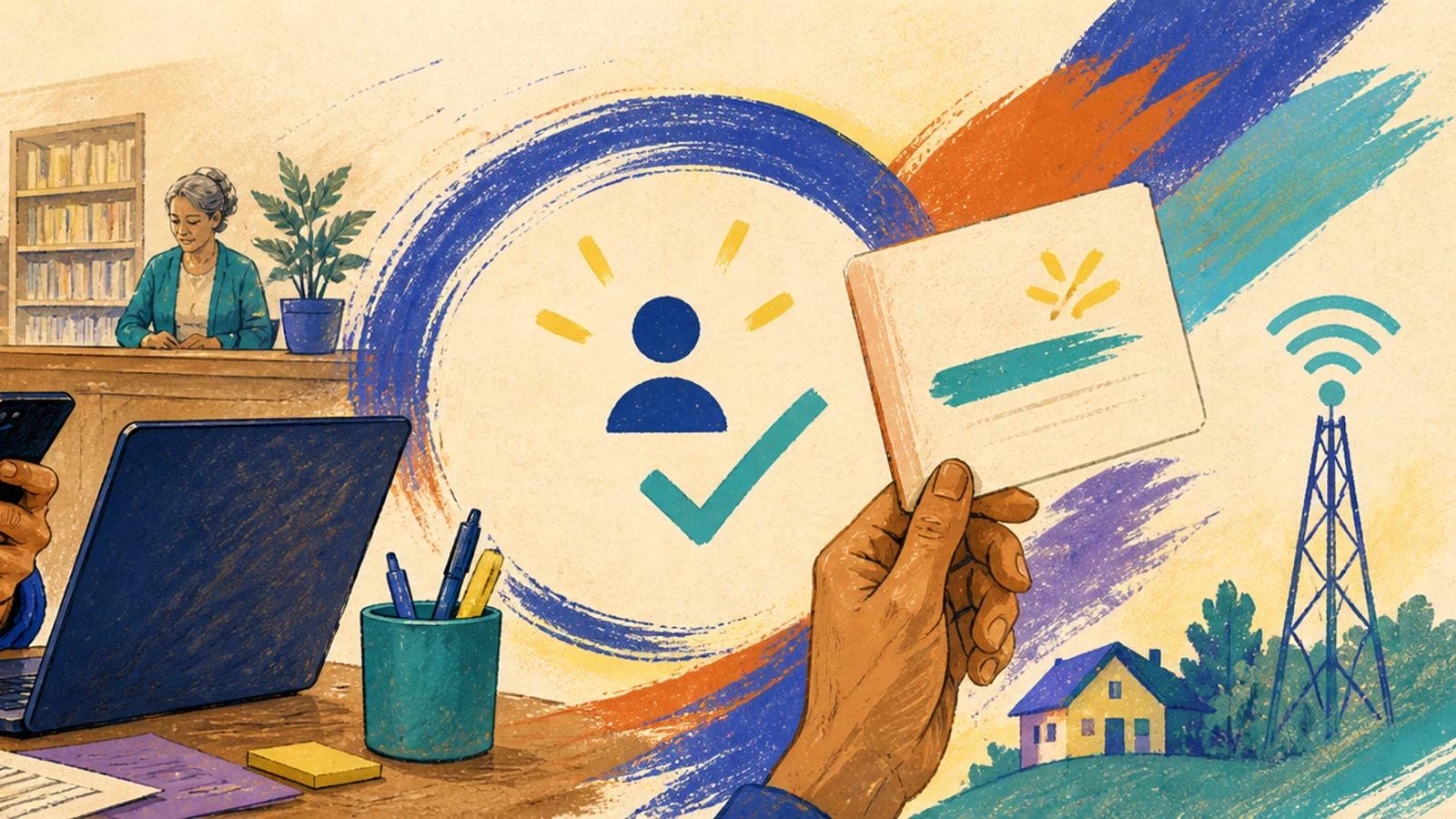
Build Everyday Computer Confidence in Eight Weeks Using Free Local Help
You can manage passwords, join video calls, complete online forms, recognize common scams, transfer photos, and recover from routine mistakes using a written personal cheat sheet.

Free preview: 4 of 23 steps
Work through them in the real run view, exactly as a buyer does. No account, no payment, nothing saved.
3 free unlocks per month — yours to keep forever
No account needed — nothing is saved.
Included with every copy
- Your own copy — keep it forever
- Gets better over time — free updates included
- Run it on web and mobile
- Invite a partner to go through it with you — you share the same progress
- Make it your own — a private copy you can edit to fit your situation
- The playbook's community — ask questions, get additions, and see how other buyers improve it, right on the step
Who it's for
U.S. adults aged 60 and over who have a phone or computer and feel uncertain about everyday digital tasks like passwords, video calls, and online forms. It fits learners who can practice about twice a week and can reach a library, a senior center, or a trusted helper; it also works for family members or volunteers who want a ready-made plan to practice alongside an older adult.
About this playbook
An eight-week path to everyday computer confidence, built on free help in your own community. You practice twice a week for about an hour, starting with a self-assessment and finishing with tasks you can do alone: manage passwords, join video calls, complete online forms, spot scams, and move photos between devices. Every step produces a visible result — a sent email, a confirmed appointment, a filled-in form — and you build a personal cheat sheet in your own words as you go. You work with a local helper from week one: a public library, a senior center, or a trusted family member. The guide covers everyday confidence, not advanced skills; it does not teach coding, hardware repair, or how to buy a new computer.
What you'll do, step by stepFree preview
Only a sample is open: 4 of 23 steps can be read in full. The rest unlock when you buy.
Phase 1: Baseline and Support Network
4 stepsPhase 2: Core Vocabulary and the Safety Model
4 stepsPhase 3: Guided Practice on Your Priority Tasks
4 stepsPhase 4: Varied Practice with Feedback
4 stepsPhase 5: Independent Application
3 stepsPhase 6: Final Demonstration and Your Cheat Sheet
4 steps
Details
What you need first
A phone or computer you can practice on — your own, a family member’s, or the library’s — about an hour twice a week for eight weeks, and access to free local help such as a library or senior center. No prior computer experience and no home internet are required; library computers and Wi‑Fi work fine.