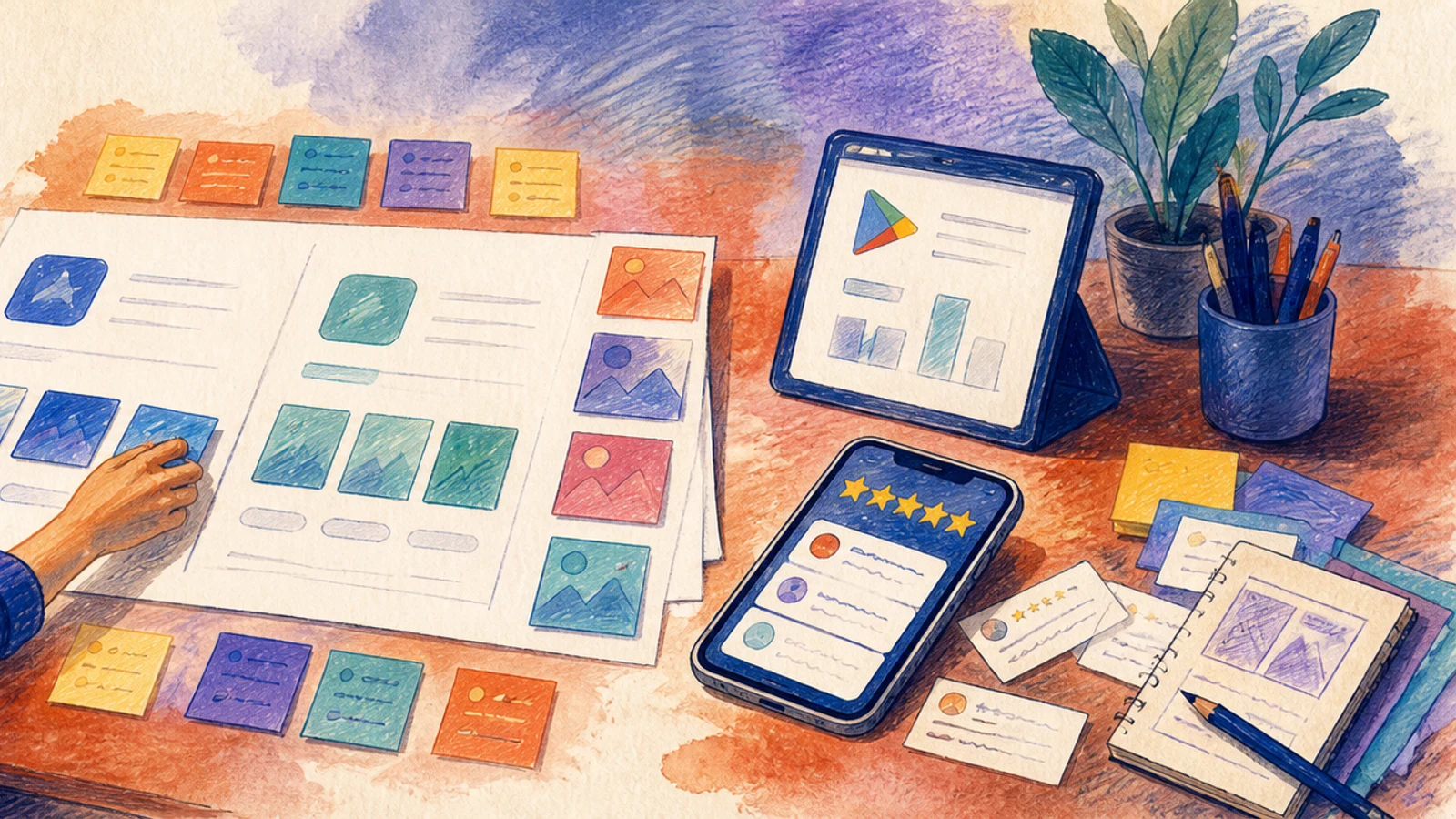
Subscriptions and in-app purchases on mobile
A working paid tier inside a mobile app: products configured in both stores, purchases validated on the server rather than trusted on the device, entitlements that survive reinstall and device switch, trials and grace periods behaving correctly, refunds and cancellations handled, and a paywall you can change without shipping a new build.
Free preview: 4 of 24 steps
Work through them in the real run view, exactly as a buyer does. No account, no payment, nothing saved.
3 free unlocks per month — yours to keep forever
No account needed — nothing is saved.
Included with every copy
- Your own copy — keep it forever
- Gets better over time — free updates included
- Run it on web and mobile
- Invite a partner to go through it with you — you share the same progress
- Make it your own — a private copy you can edit to fit your situation
- The playbook's community — ask questions, get additions, and see how other buyers improve it, right on the step
Who it's for
Indie mobile developers adding payments for the first time and web developers who have used Stripe and assume mobile billing works the same way
About this playbook
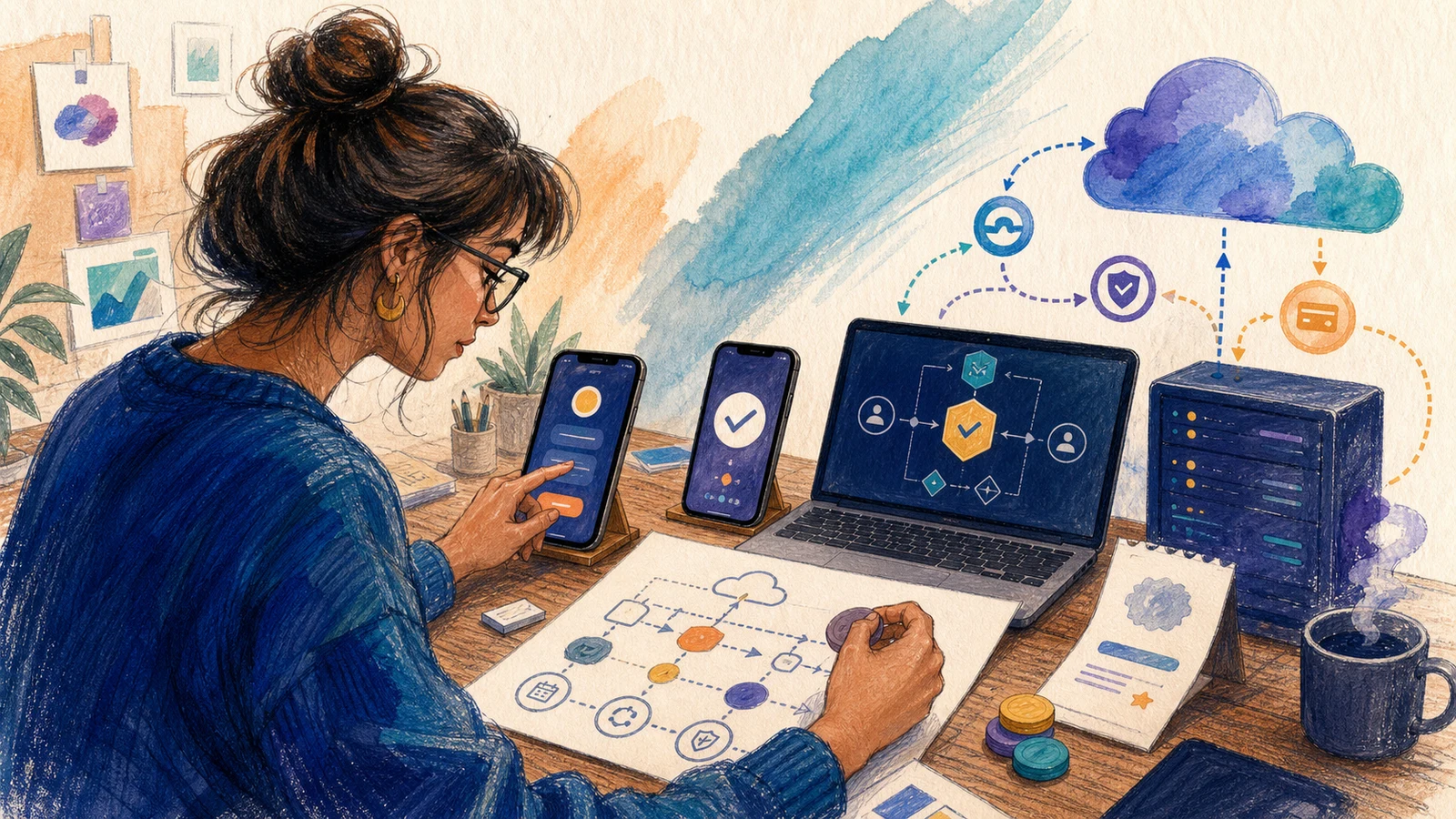
This guide builds a complete paid tier for an iOS and Android app, from store paperwork to a paywall you can change without a new release. You will decide what must go through Apple and Google billing, choose between direct StoreKit and Play Billing integration or an abstraction service, configure products and prices in App Store Connect and Google Play Console, and implement server-side validation and entitlement logic that survives reinstalls. The path then covers trials, grace periods, upgrades, downgrades, cancellations and store-issued refunds through server notifications, sandbox testing that accounts for sandbox quirks, and the small-business commission programmes in both stores. You get a production-ready monetisation stack with monitoring and a remote paywall, not just a client-side purchase button. It does not cover building the app itself, designing pricing strategy from scratch, or handling physical-goods payments outside the stores.
What you'll do, step by stepFree preview
Only a sample is open: 4 of 24 steps can be read in full. The rest unlock when you buy.
Phase 1: Define what you sell and how you will build it
4 stepsPhase 2: Prepare store accounts and configure products
5 stepsPhase 3: Implement purchases and server-side entitlements
6 stepsPhase 4: Test lifecycle events and edge cases in sandbox
5 stepsPhase 5: Launch monitor and keep the paywall adaptable
4 steps
Details
What you need first
App that builds for iOS and Android, Apple Developer Program membership and Google Play Console account with owner access, a backend or serverless environment you control, a user account system such as email or Sign in with Apple/Google, and one test device per platform